Brand guide · Files
Logo and
icon files.
The wordmark, the “pe” monogram, app icons, profile pictures and banners. Use them when you’re making something with Product of Experience on it, and follow the wordmark rules.
01
Wordmark.
Stacked is the default. Use one line where height is tight. SVG scales to any size. The PNGs have a transparent background and are named by width in pixels.

Stacked · Ink, blue full stop
For light backgrounds. The default.

Stacked · White, lime full stop
For ink, blue or a photo.

Stacked · Black only
One-colour print only.

Stacked · White only
One colour on dark, only where lime isn’t possible.

One line · Ink, blue full stop
For light backgrounds. The default.

One line · White, lime full stop
For ink, blue or a photo.

One line · Black only
One-colour print only.

One line · White only
One colour on dark, only where lime isn’t possible.
On a background, with clear space




For an email signature: the stacked wordmark on white, 600 px. Set it to 300 px wide so it stays sharp. All wordmark files in one ZIP (1.3 MB).
02
Icon.
Lowercase “pe” in ink on a lime tile. Use it wherever the wordmark would be too small: avatars, app icons, favicons. Don’t recolour it or add a border.



































03
Profile pictures.
Upload the square file and let the platform crop it to a circle. The letters sit well inside the crop. On a personal profile where people expect a face, use Scott’s photo and keep the monogram for the business page.
| Platform | File |
|---|---|
| LinkedIn, X, Google, TikTok | PNG 400 × 400 14 KB |
| Facebook, YouTube, WhatsApp Business, Slack, GitHub, Substack | PNG 800 × 800 29 KB |
| Instagram, Threads, anything asking for 1080 or more | PNG 1080 × 1080 42 KB |


04
Apps and favicons.
Every size each platform asks for, zipped by platform.
| Set | File |
|---|---|
| Website favicons favicon.ico, icon.svg, Apple touch icon (180), 16, 32, 48, 192, 512 and maskable 512. | ZIP 67 KB |
| iOS app AppIcon 1024 (all Xcode needs now) and the older sizes from 20 to 180. Square, no transparency: iOS rounds the corners. | ZIP 56 KB |
| Android app Google Play 512, adaptive icon foreground 432, and launcher icons from 48 to 192. | ZIP 57 KB |
| Desktop Windows .ico (16 to 256), for Zoom, Teams and desktop apps. | ICO 26 KB |
05
Banners.
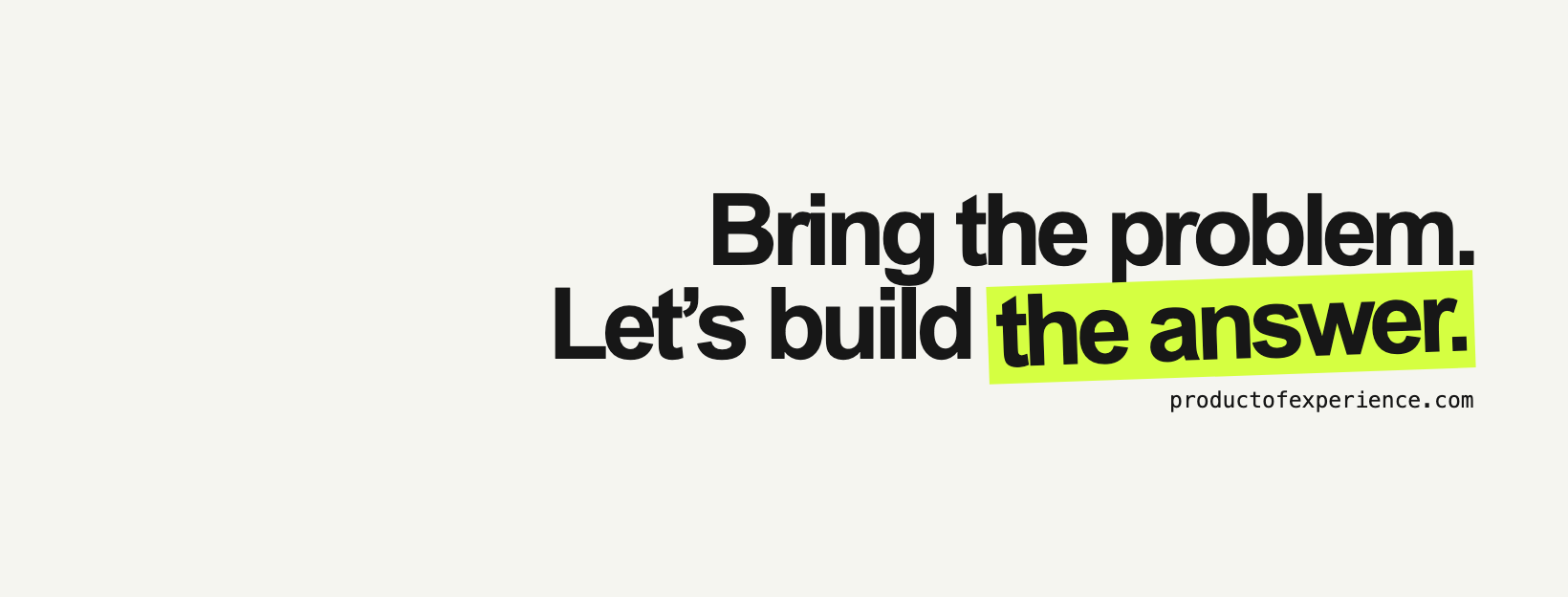
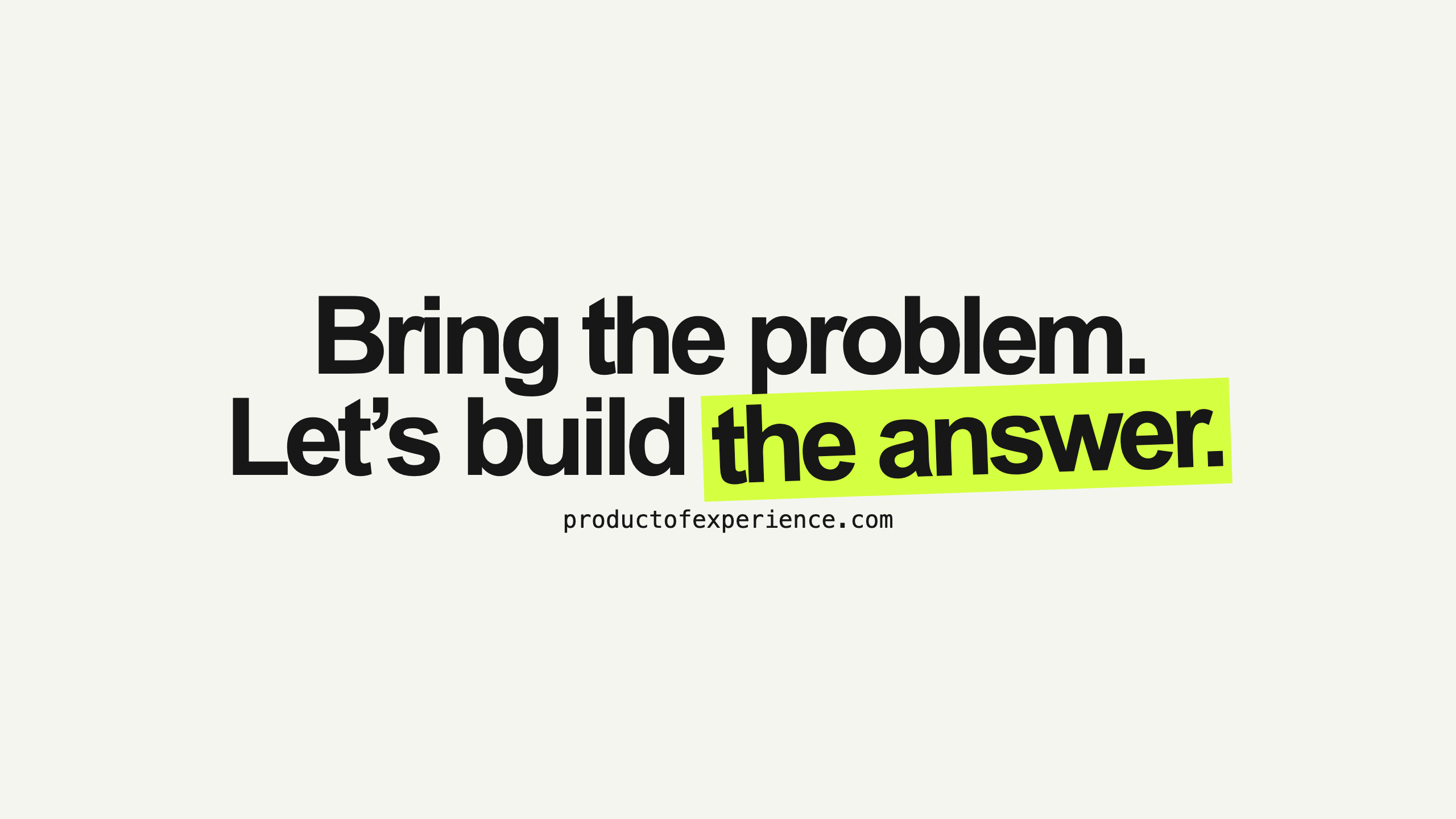
The line with the highlighter, on paper. The text sits to the right because most platforms put the profile picture over the bottom left.



Need a size that isn’t here? Send a message.